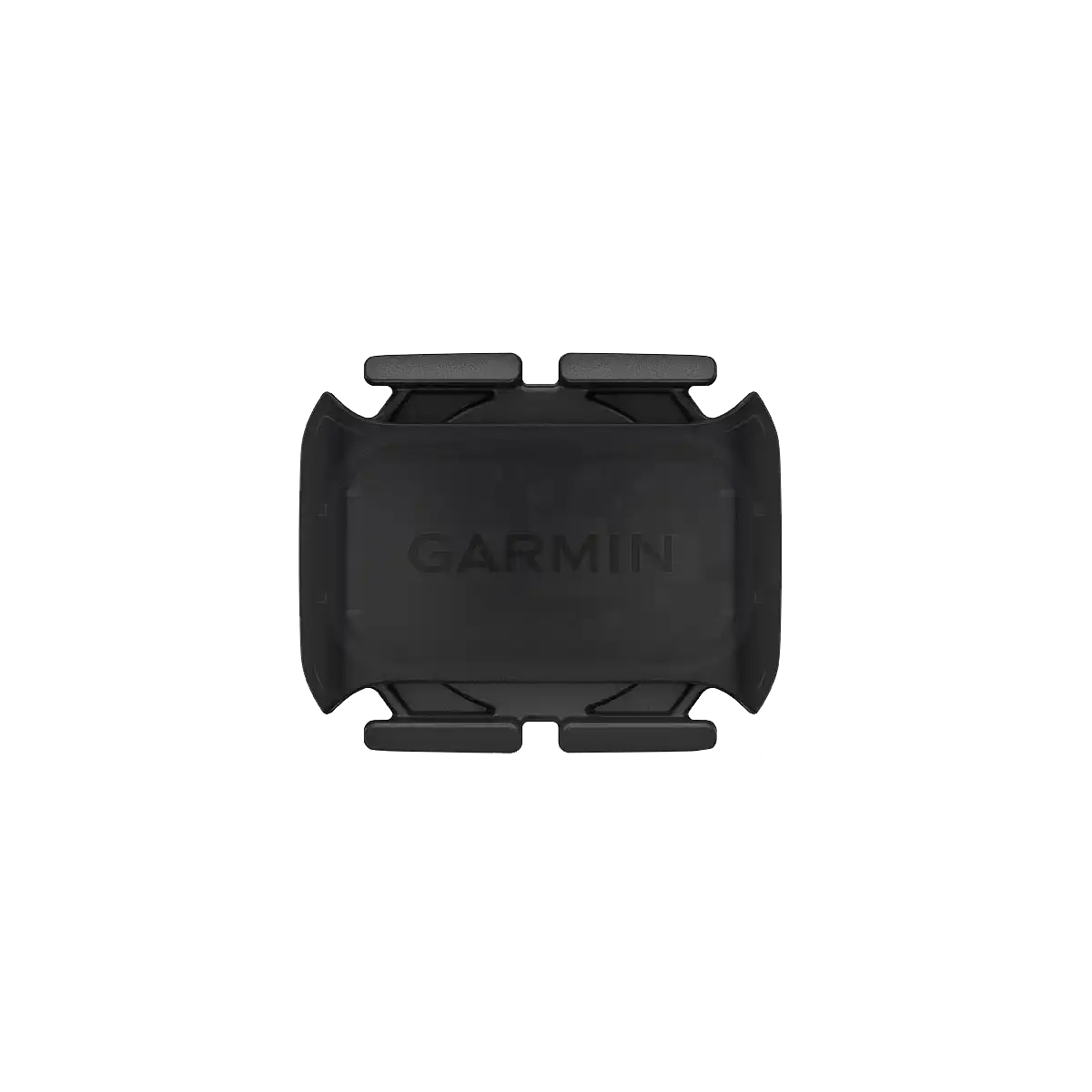
Garmin Cadence Sensor 2
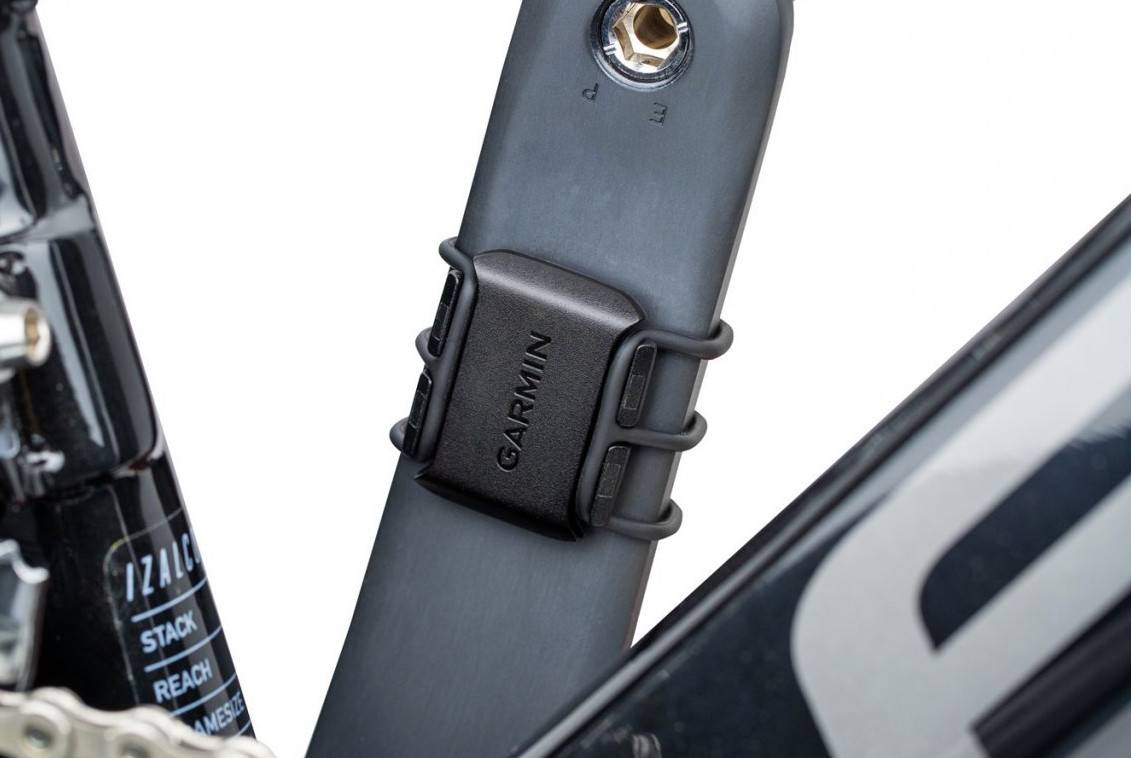
Monitor your pedalling cadence as you ride with this easy-to-install wireless sensor. With no magnets or other exposed parts to line up, this sensor is easy to install, maintain and move between bikes.
The Cadence Sensor 2 fastens to any size crank arm and measures pedal strokes per minute so you can get the most out of your training. ANT+® connectivity and Bluetooth® Low Energy technology let you send cadence data to our Garmin Connect™ online community and other training apps, compatible devices and fitness equipment for better data when you ride indoors and outdoors.
Replacing the Cadence Sensor Battery
The device uses one CR2032 battery. The LED flashes red to indicate a low battery level after two 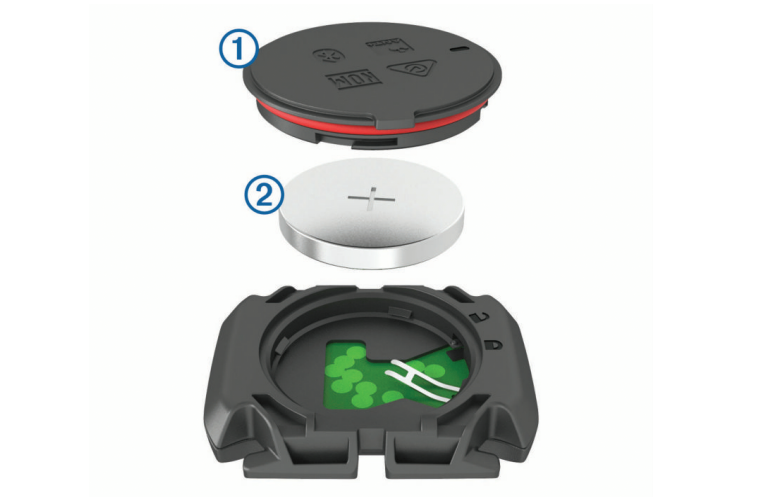 revolutions.
- Locate the circular battery cover on the back of the sensor.
- Twist the cover counter-clockwise until the marker points to unlocked and the cover is loose enough to remove.
- Remove the cover and the battery .
- Wait 30 seconds.
- Insert the new battery into the cover, observing polarity. NOTE: Do not damage or lose the O-ring gasket.
- Twist the cover clockwise until the marker points to locked. NOTE: The LED flashes red and green for a few seconds after battery replacement. When the LED flashes green and then stops flashing, the device is active and ready to send data.