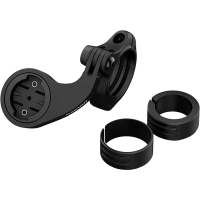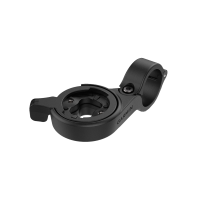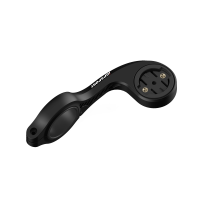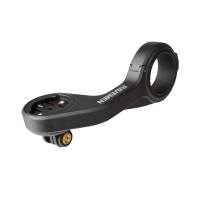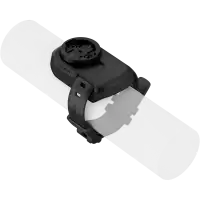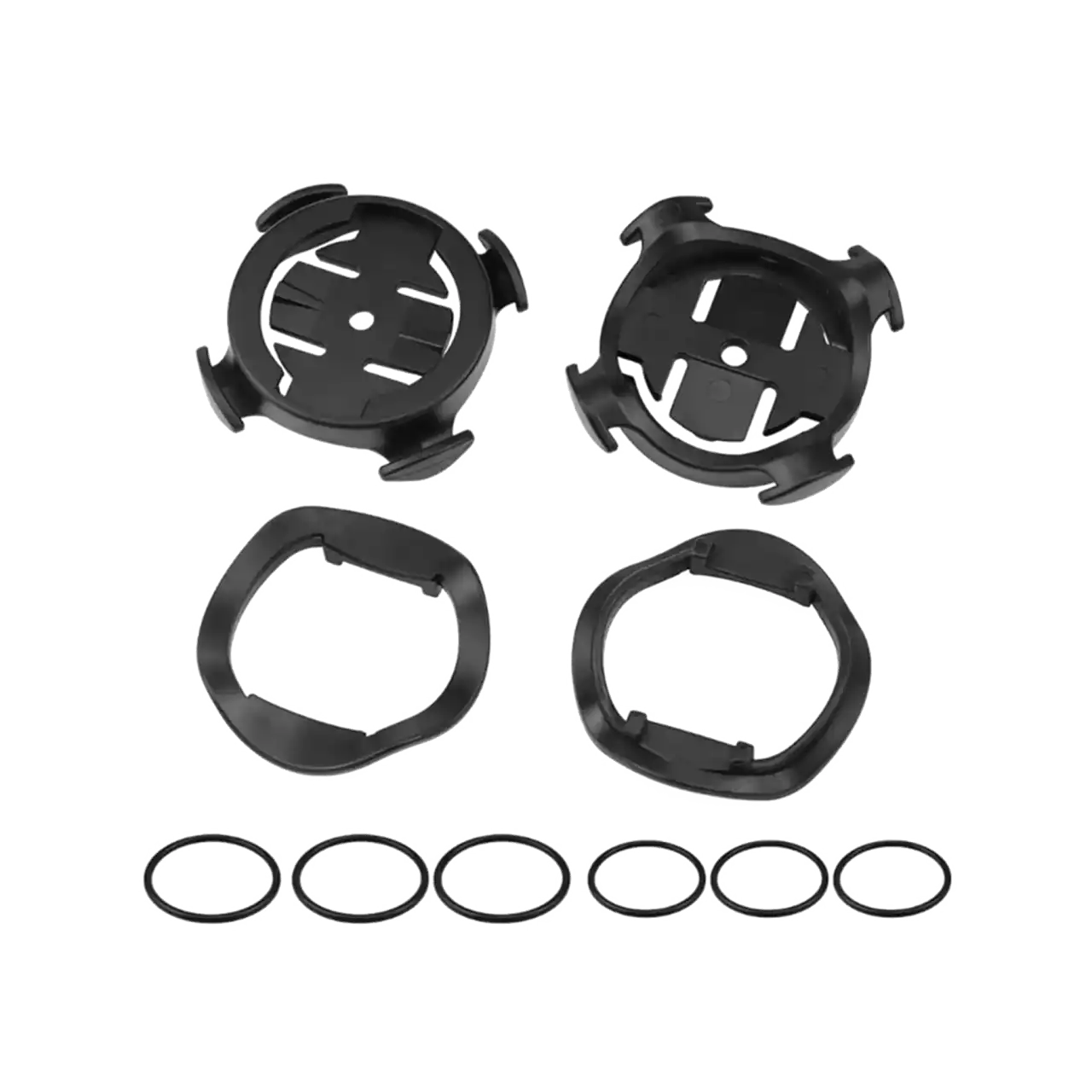
Garmin Edge quarter-turn computer mount (handlebar/stem)
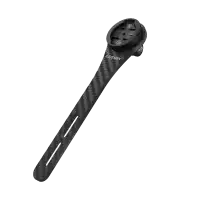
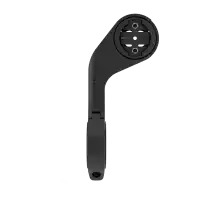
This is the simplest Garmin Edge mount, perfectly suited for a second bike or everyday use. It is included in the box with most Edge devices — except the Edge Explore 2 and Edge MTB. For rougher terrain or heavier devices, we recommend using the out-front mount.
Installing the quarter-turn computer mount
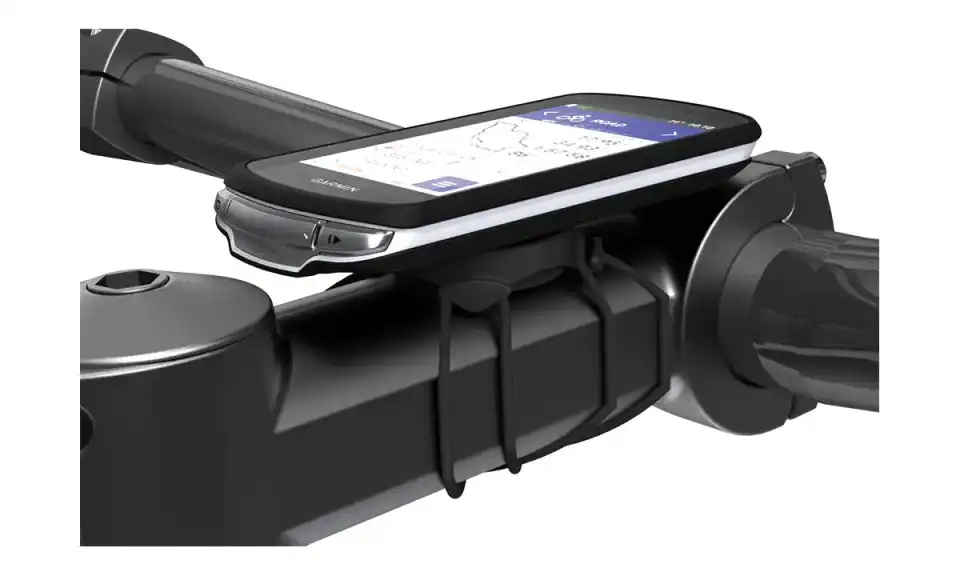
For the best GPS reception, position the mount so the front of the device faces the direction of travel. You can install the mount on the stem or the handlebar.
- Select a secure location to mount the device where it does not interfere with the safe operation of your bike.
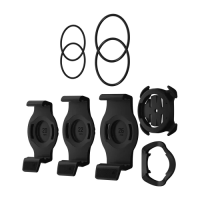
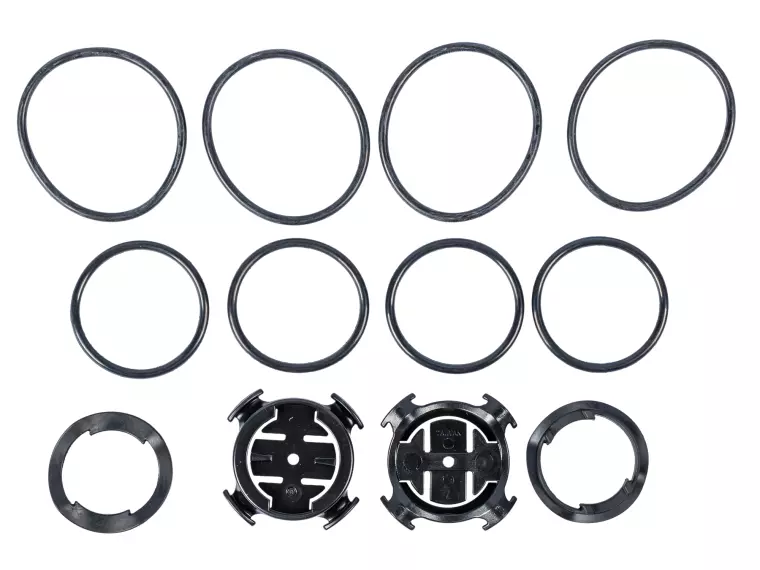
- Place the rubber pad on the underside of the mount. Two rubber pads are included — choose the one that best fits your bike. The rubber tabs align with the back of the mount to keep it in place.
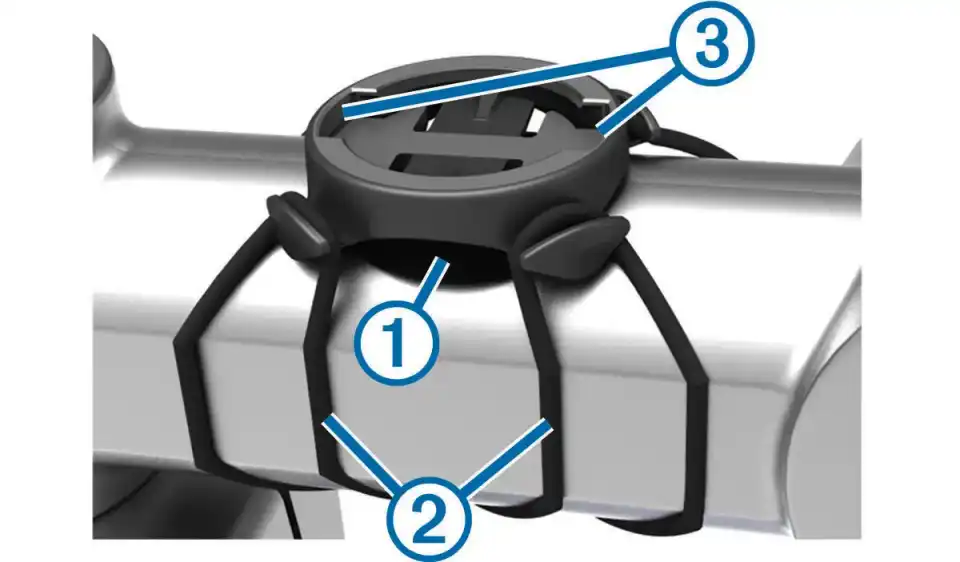
- Place the mount on the stem or handlebar.
- Secure the mount using the two elastic bands — it is recommended to cross them, as shown in the photo.
- Align the tabs on the back of the device with the notches on the mount.
- Press down slightly and turn the device clockwise until it locks into place.
.png)